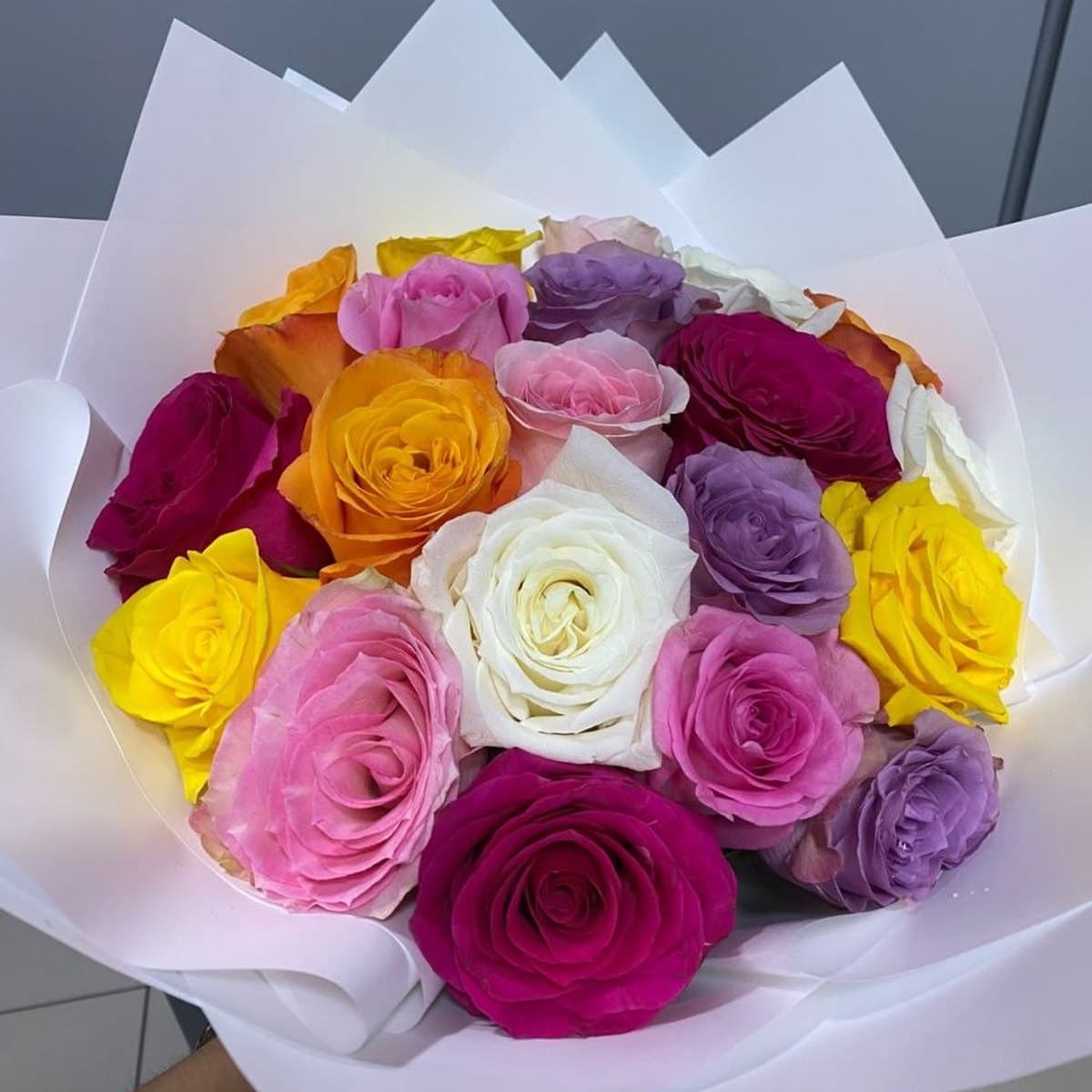
How to Order Flowers on WhatsApp in Dubai
By Zahrat Al Wurood florists, Dubai Marina · Updated 16 November 2026

Most of our customers order on WhatsApp. It is quick, you can ask questions, and you can send a photo of what you like. Here is how.
Quick answer
- Send a bouquet name or screenshot on WhatsApp.
- Add receiver’s name, phone, address, date and card message.
- Pay cash, card at the door, or by WhatsApp link.
1. Choose your flowers
Send us the name of a bouquet from our shop, a screenshot, or just tell us the colour, occasion and budget.
2. Send the delivery details
- Receiver’s name and mobile number
- Address: area, building or villa, flat number
- Delivery date and time window
- Card message
3. Confirm and pay
We confirm the price and delivery time. You can pay cash or card at the door, or ask for a WhatsApp payment link.
4. Get updates
Our delivery team keeps you updated on WhatsApp until the flowers arrive.
Tips for a fast order
- Order before 3 PM for same-day delivery.
- Send all details in one message to save time.
- Ordering from outside the UAE? Read how to send flowers to Dubai from abroad.
Quick answers
Can I order flowers on WhatsApp in Dubai?
Yes. Send us the bouquet you like, the delivery details and your card message on WhatsApp. We confirm the price and delivery time.
How do I pay for a WhatsApp flower order?
You can pay cash or card at the door, or ask for a WhatsApp payment link.
Have a question? Ask our florists
Tell us the occasion and your budget – we reply on WhatsApp and help you choose.
WhatsApp +971-52-6617471Same-day delivery in Dubai when you order before 3 PM · Free delivery over AED 299